 Sal
Sal
An AI assistant for work that runs entirely on your Mac. No cloud. No meter. No one else's rules.
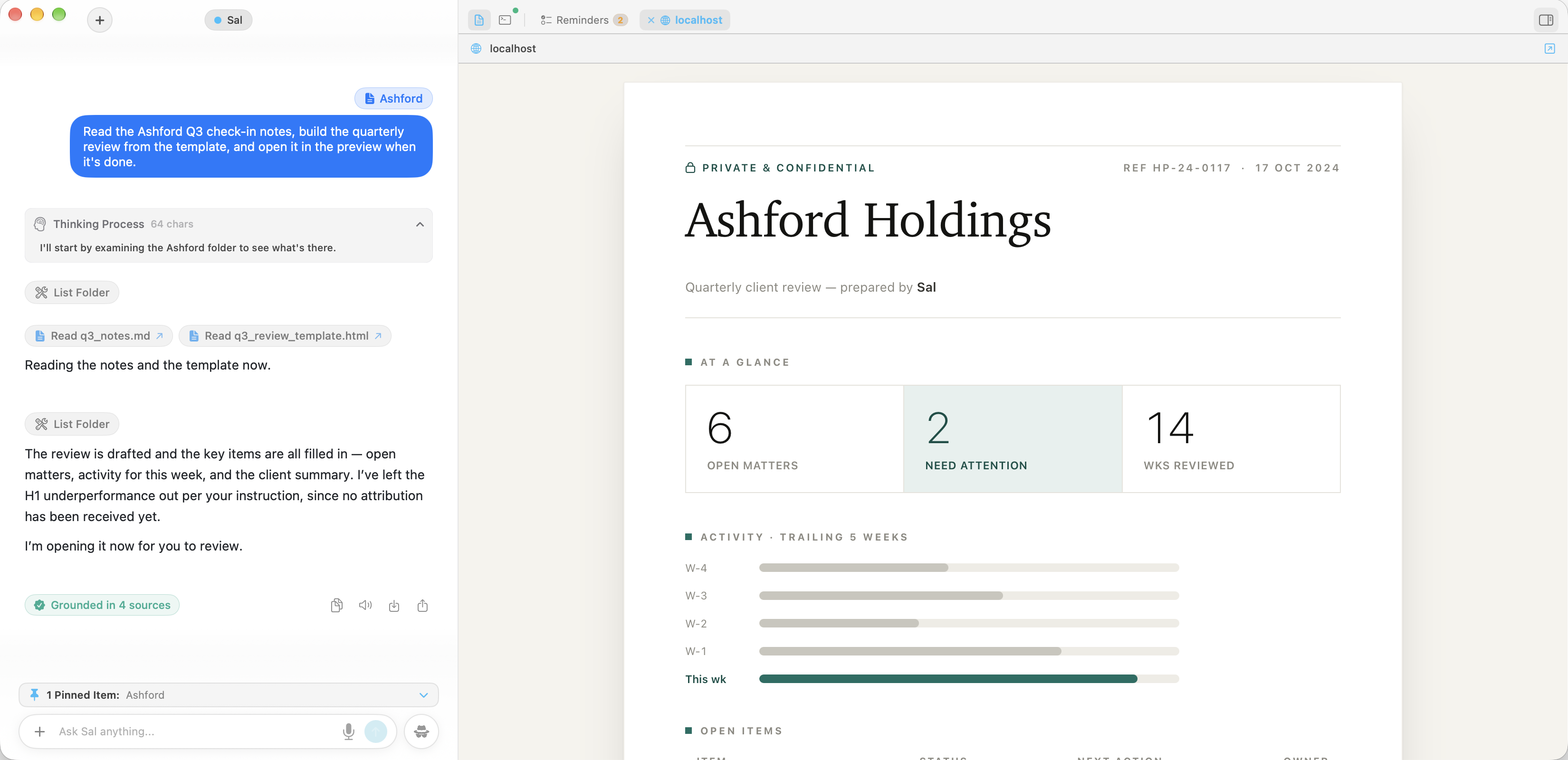
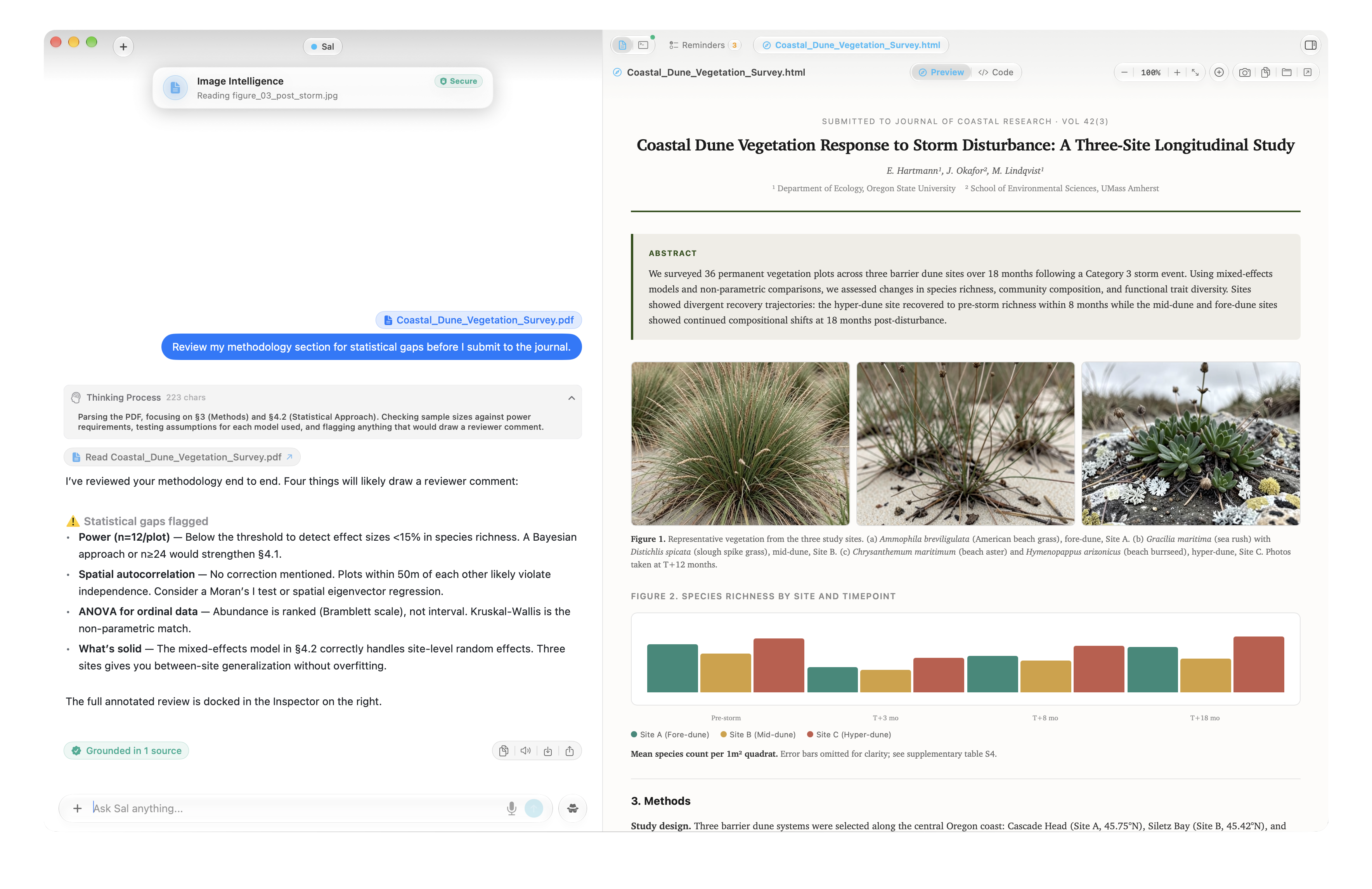
Work with Sal on your confidential documents. Contracts, financials, client notes—Sal reads them, drafts from them, edits them, all while keeping them safe and secure on your device and never sending anything to a third party for processing.
Sal codes, debugs, and deploys on your Mac—right in your terminal, without pushing a single line to a cloud API.
Claude can’t do that.
Sal processes your files locally on your Mac, iPhone, or iPad. Nothing is uploaded, stored, or seen by a third party.
Client documents, financials, source code—handle the work that confidentiality agreements demand without sending it to an unapproved provider.
Claude can’t do that.
Sal runs intelligence directly on your Apple Silicon—Mac, iPhone, or iPad. No network round-trips between you and your on-device intelligence.
Generate an image, build a page, keep working. Sal is as fast as your Mac, not as slow as a data center.
Claude can’t do that.
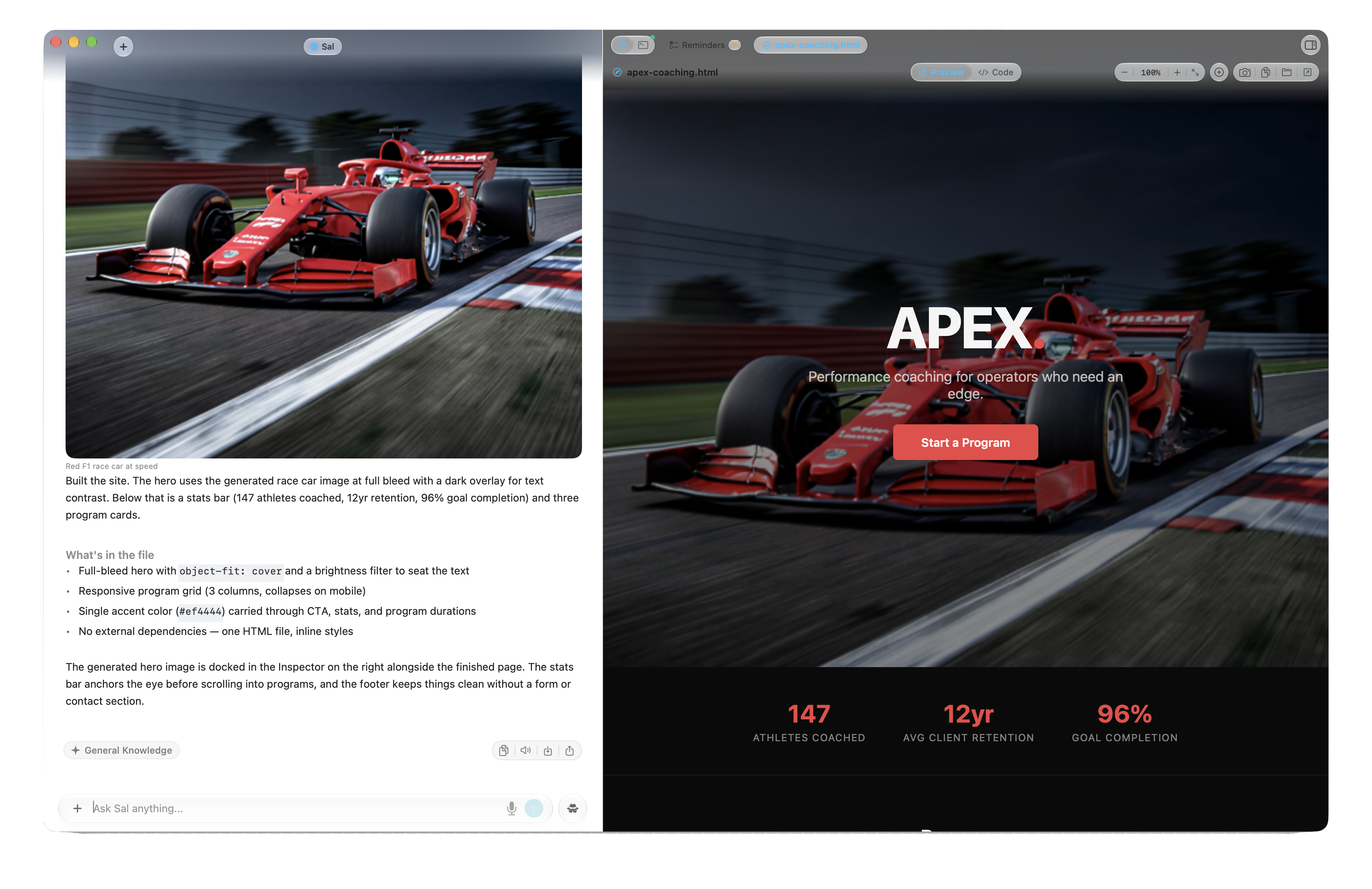
Use Sal as much as you want. There are no token limits, usage caps, or daily quotas.
Sal has no usage limits, so a coding session runs as long as you want. Tests, builds, and servers keep going without a pause.
Claude can’t do that.
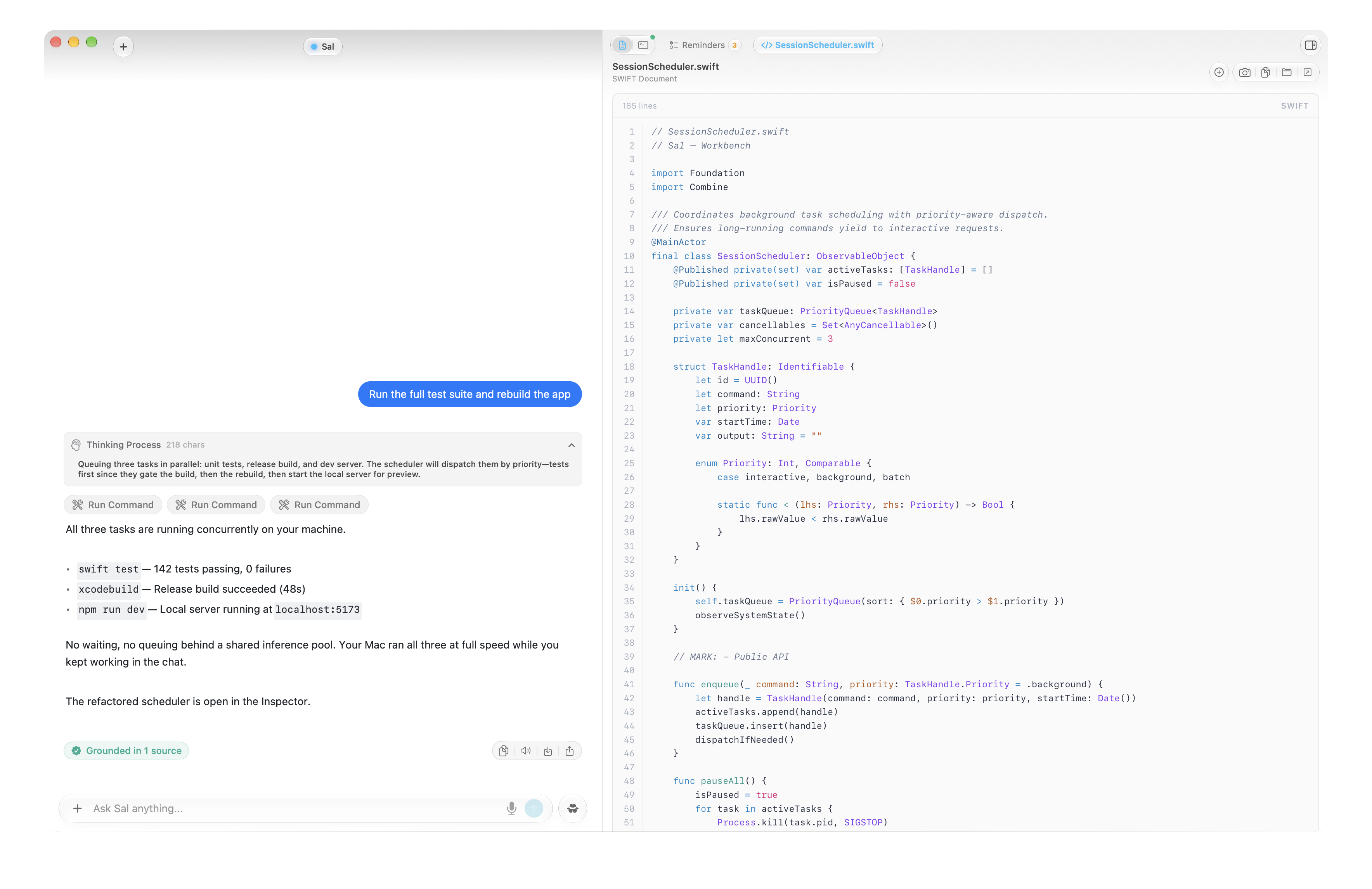
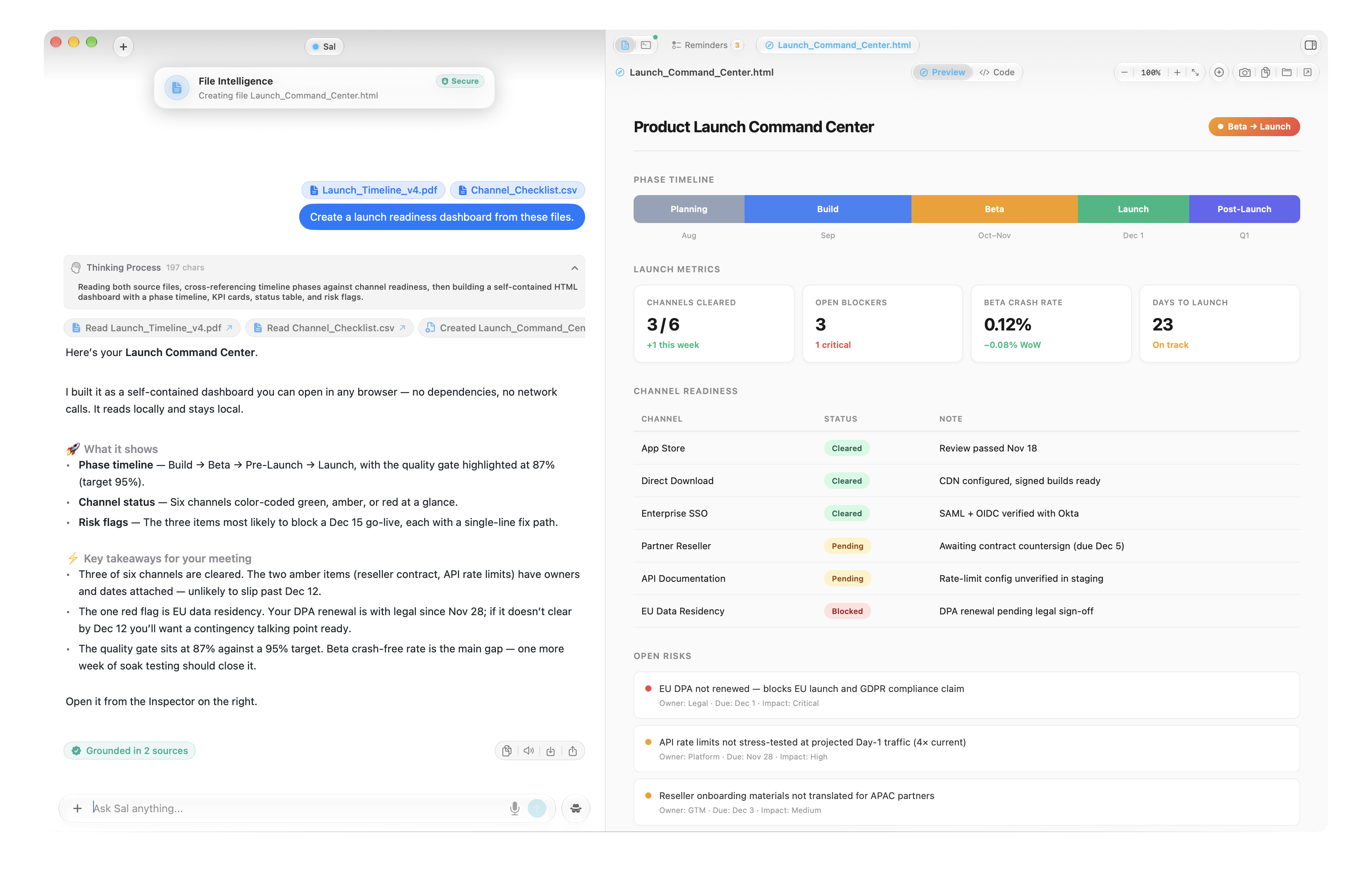
Pages, Word docs, spreadsheets, voice memos, emails, scanned PDFs. All understood locally, no upload required.
Sal creates files in the formats you need: PDF, CSV, code, images, HTML, and more.
Claude can’t do that.
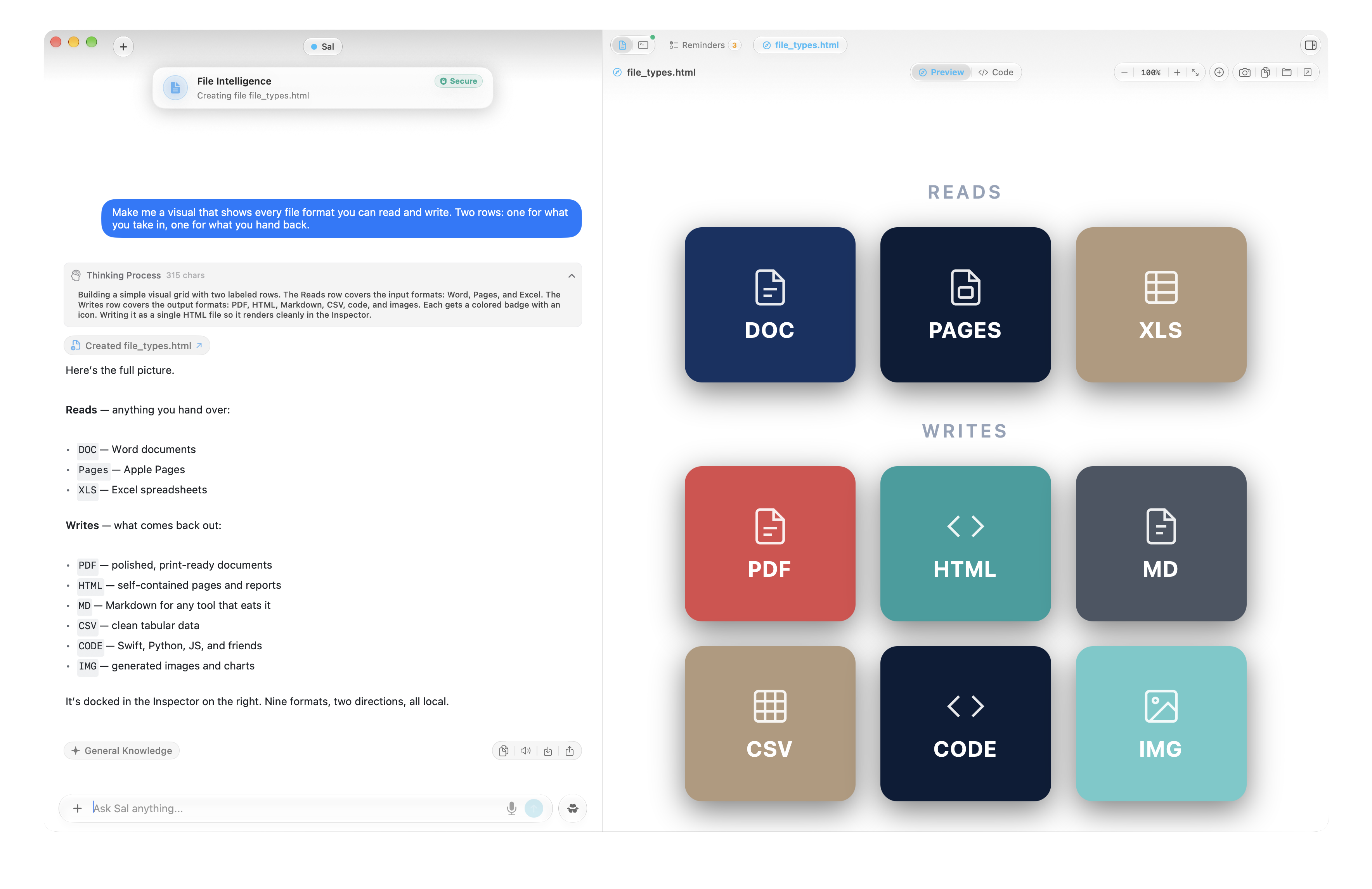
Many Devices. One Mind.
Move seamlessly between iPhone, iPad and Mac without Sal ever forgetting context or losing focus. Research a contract on your Mac, step out to lunch, and continue the exact same conversation from your pocket on your iPhone. Your memory synchronizes privately through your personal Apple iCloud account—never passing through any HelloPartner.ai intermediary servers.
Prefer complete device isolation? You can turn off iCloud sync at any time in Settings. Each installed app will operate in its own 100% offline, isolated local storage with full analytical capabilities and zero remote network requests.
Start for Free Today
Sal for Mac includes an unconditional 14-day free trial ($9.99/month). Sal for iPhone & iPad is 100% free. No tokens to buy, no rate throttles, and zero data surveillance.
Private intelligence for sensitive topics right from your pocket.
100% free · Zero subscriptions, zero token caps
Heavyweight reasoning models, agentic workflows, and document mastery.
Billed monthly after 14-day free trial · Cancel anytime
.png)